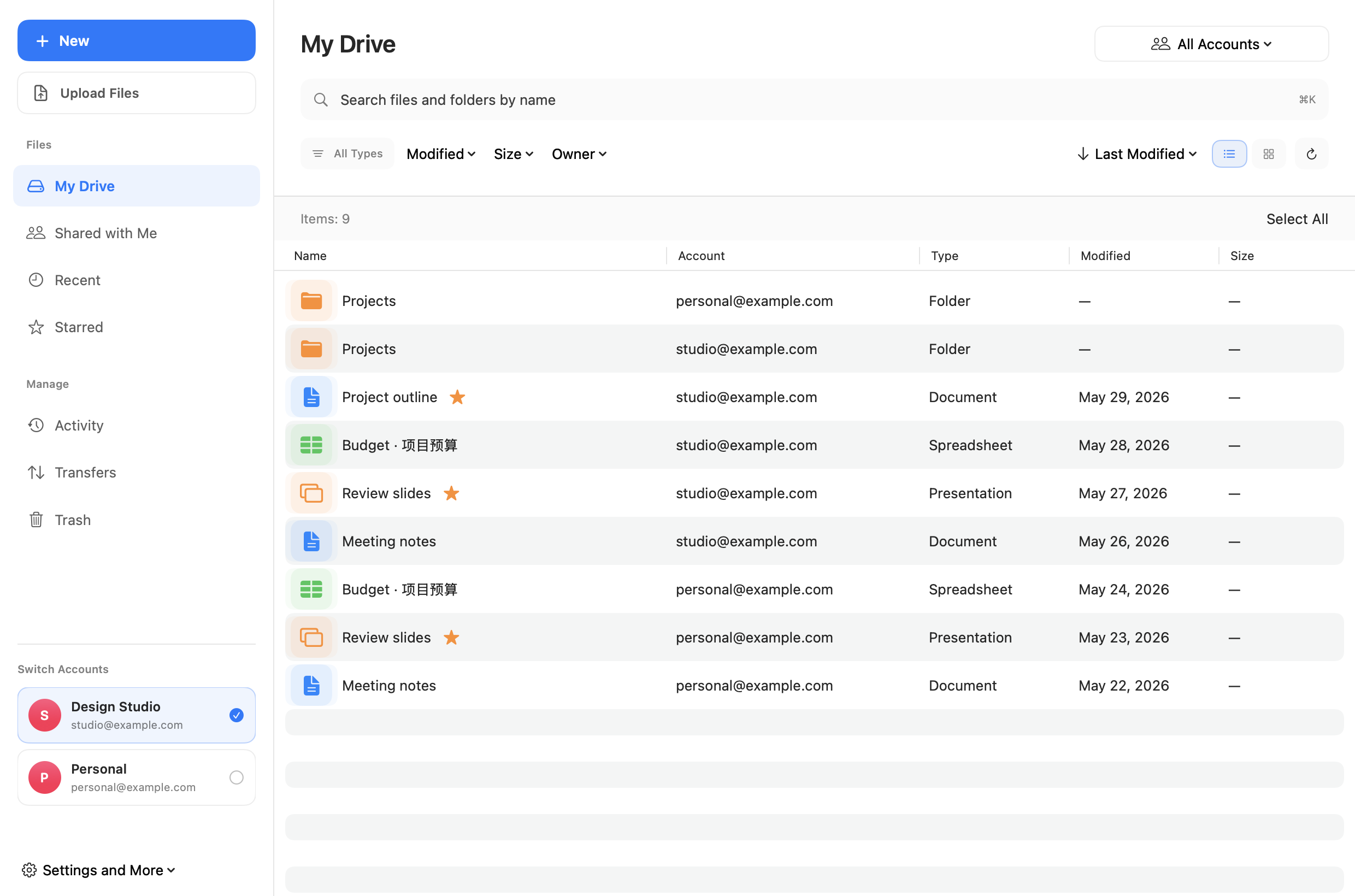
Captured from DriveSpace’s native interface with demo accounts and files. View full size ↗
Less switching. More space for your work.
The essentials for working with Google Drive, brought together on your Mac.
All your accounts, together.
Connect multiple Google accounts. Browse files and folders together, revisit recent files and items shared with you, browse activity history, share files and manage access, manage selected files in batches, and track uploads and downloads from one workspace.
Find the file you need.
Search file and folder names across directories and filter your results. With optional AI search, review matching files before analyzing excerpts with source quotes. Add Drive files or local text and PDFs to a conversation, then review and save a draft as a new Google document.
Keep your workspace in sync.
Sync file metadata from Google Drive, refresh connected accounts, and track uploads and downloads with progress and account details.
Designed around your choices
Your files. Your control.
Connect the accounts you need, browse your files, and choose when to upload or download. Clear data practices are part of the experience.